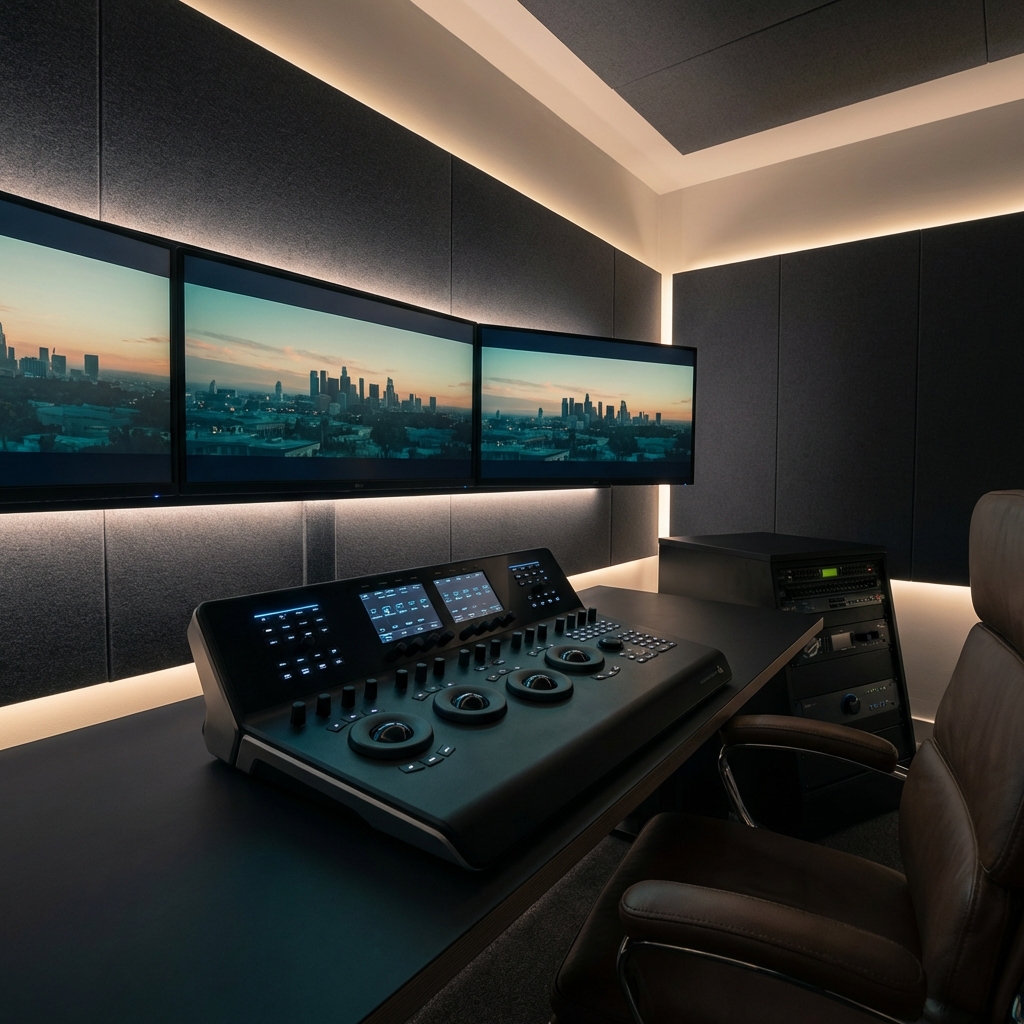
In 2026, the question "Which software is better?" has been replaced by "Which ecosystem saves you more time?" As delivery timelines shrink and resolutions grow, your choice of NLE (Non-Linear Editor) is a business decision, not a creative one.
For over a decade, Adobe Premiere Pro and Blackmagic DaVinci Resolve have been locked in a feature arms race. In the modern era, both platforms are incredibly capable. However, they have diverged in their core philosophy. Premiere remains the king of "Dynamic Connection" to the Creative Cloud, while Resolve has become the undisputed champion of the "Unified High-End Workflow." As a Technical Director, I've managed pipelines for both. Here is the objective 2026 audit of these two powerhouses.
I. COLOR SCIENCE & DEPTH
DaVinci Resolve started as a color-grading suite, and it remains the gold standard in this arena. In 2026, Resolve's **Color Managed Workflows** (DWG/Intermediate) allow editors to handle high-bitrate RAW files from Arri or RED with far more accuracy than Premiere's Lumetri panel.
While Adobe has significantly improved Lumetri with AI-assisted "Auto Tone" and "Scene Edit Detection," it still feels like an "effect" layered on top of the edit. Resolve's node-based color system is architecturally superior for complex look-development. If your business depends on delivering expensive-looking skin tones and atmospheric depth, Resolve is the winner.
II. AI-ASSISTED EDITING: Sensei vs. Neural Engine
2026 is the year of **Generative Post-Production**. Both Adobe and Blackmagic have integrated massive AI toolsets directly into the timeline.
- Adobe Sensei: Excels in "Text-Based Editing" and "Generative Fill." Being able to edit a video by deleting lines in a transcript is a game-changer for documentary and corporate editors.
- Resolve Neural Engine: Focuses on "Object Masking" (Magic Mask) and "Voice Isolation." Resolve's ability to roto-scope a subject in seconds or remove background noise with a single slider is currently ahead of Adobe's implementation.
If you are a narrative or music video editor, Resolve's AI tools are more useful. If you are a long-form documentary or social media editor, Adobe's transcript-based tools will save you more hours.
III. COLLABORATION & CLOUD WORKFLOWS
This is where the battle reaches its peak. With remote work being the standard in 2026, how your NLE handles the "Cloud" is critical.
The Verdict on Collaboration
**Blackmagic Cloud** is the superior architecture for "Live Collaboration." You can have a colorist in London, an editor in NYC, and an assistant editor in Tokyo all working on the exact same timeline at the same time. **Adobe Productions** is excellent for large teams sharing assets, but it still relies on "Project Locking" which can feel clunky in a fast-paced environment.
IV. THE SUBSCRIPTION VS. OWNERSHIP DEBATE
The financial model of these two platforms remains a major point of contention. Adobe's Creative Cloud is a $50-$80/month recurring expense. DaVinci Resolve Studio is a one-time $295 fee with lifetime updates.
While $295 seems like a bargain, you must consider the **Ecosystem Value**. Adobe includes After Effects, Photoshop, and Illustrator. If you are a "multi-hyphenate" creative who does motion graphics and design, the Adobe subscription actually pays for itself. If you are a pure video specialist, Resolve is financially more efficient over a 5-year period.
V. STABILITY & HARDWARE INTEGRATION
In 2026, the myth that "Resolve is only for beefy PCs" is gone. Resolve is now ultra-optimized for Apple's M4 and M5 Silicon. However, Premiere Pro remains slightly more forgiving on mid-range hardware.
Resolve's hardware-acceleration for **H.265 and AV1 encoding** is world-class, but it requires a modern GPU to run smoothly. If you are working on a laptop with limited VRAM, Premiere will likely crash less often. On a high-end workstation, Resolve is the more stable of the two.
THE VERDICT
Choose **Premiere Pro** if your work involves complex motion graphics, rapid social media turnaround, and tight integration with Photoshop. It's the "Swiss Army Knife" of post-production.
Choose **DaVinci Resolve** if you want to deliver cinema-grade color, high-end audio (via Fairlight), and require seamless live collaboration. It's the "Precision Scalpel" of the industry.
Download the 2026 Post-House Guide
Detailed hardware specs, DRP export templates, and LUT packs for both platforms. Exclusive for CamJobz Members.
Join the Archive